
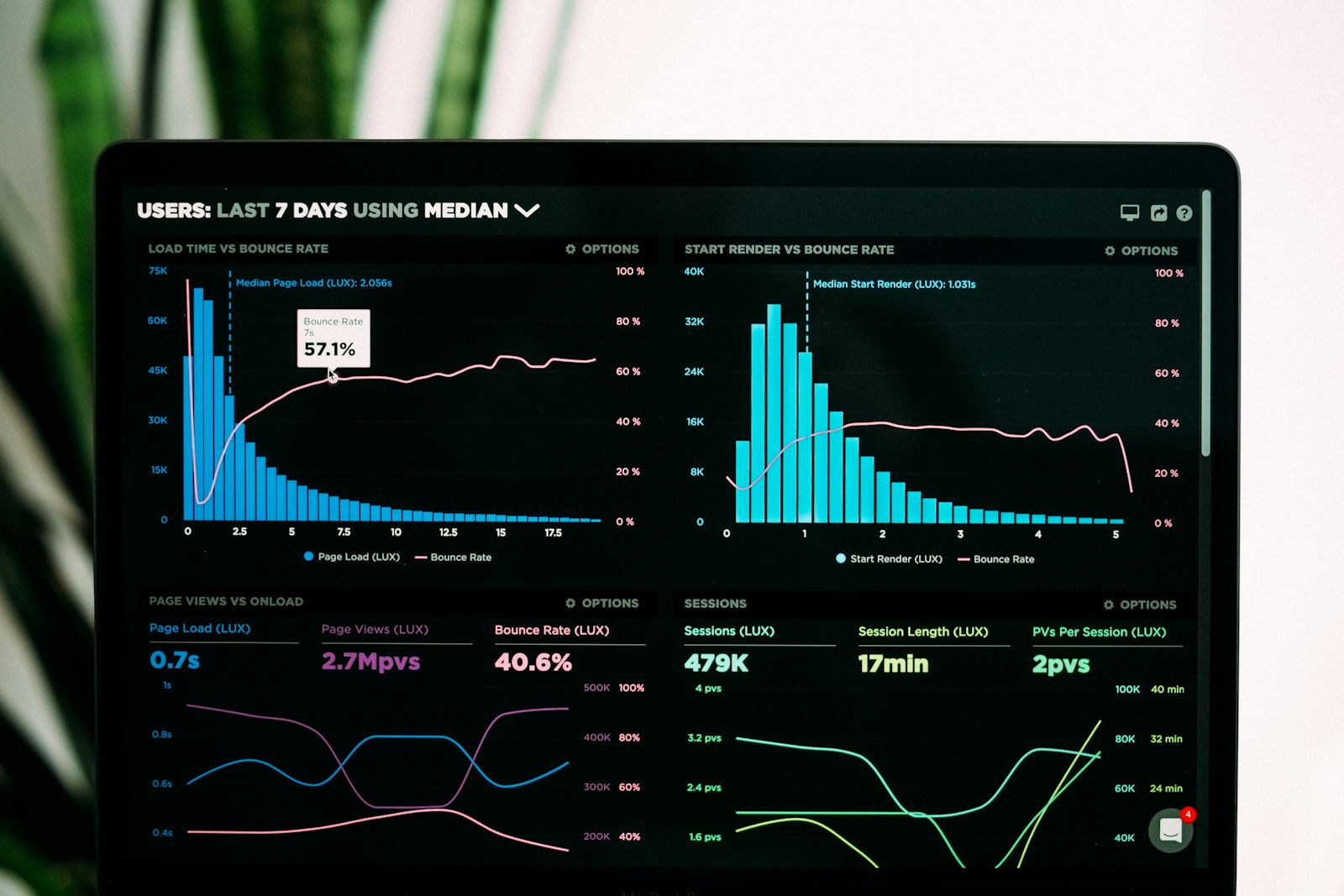
Shopify page speed affects two things directly: conversion rate (slow pages convert worse) and SEO ranking (Google's Core Web Vitals are a ranking factor). Most Shopify themes since 2023 are technically capable of fast load times. The performance issues come from app bloat, oversized images, and theme customizations — not from Shopify's underlying infrastructure.
This guide is the practical fix list, ordered by impact, for getting your store's Largest Contentful Paint (LCP) under 2.5 seconds on mobile.
What "fast enough" means
Three Core Web Vitals to track:
- LCP (Largest Contentful Paint): time until the main hero element renders. Target: under 2.5s on mobile.
- CLS (Cumulative Layout Shift): visual stability. Target: under 0.1.
- INP (Interaction to Next Paint): responsiveness to user input. Target: under 200ms.
Most Shopify stores hit CLS easily (modern themes are stable). LCP is where they struggle — especially on mobile. INP affects interactive elements (cart drawer, variant pickers).
Run PageSpeed Insights or Chrome DevTools (mobile, throttled 4G) on your top 3 PDPs and your homepage. Note the LCP. Anything above 4s is a meaningful problem; 2.5–4s is "could be faster"; under 2.5s is healthy.
The fix list, ranked
1. Convert images to WebP / AVIF
Impact: 0.5–2.0s reduction in LCP
The biggest single fix on most Shopify stores. WebP is 25–35% smaller than JPEG at the same visual quality; AVIF is even smaller.
Shopify's CDN auto-converts uploaded images to WebP for browsers that support it (most modern browsers). The catch: large source images still get served at the requested dimensions — if your hero is uploaded as a 4000×3000 px monster JPEG, the WebP version is still huge.
The fix:
- Resize source images to the maximum displayed dimension before upload. A hero rendered at 1920px wide doesn't need a 4000px source.
- Use Shopify's image_url filters with explicit dimensions in theme code (most modern themes do this automatically).
2. Lazy-load below-fold images
Impact: 0.3–1.0s reduction in LCP
Images below the initial viewport shouldn't load on initial render. <img loading="lazy"> is the HTML attribute that handles this — supported in all major browsers since 2020.
Most modern Shopify themes lazy-load by default. Verify by viewing your homepage source: each <img> below the fold should have loading="lazy". Hero images explicitly should NOT be lazy-loaded (they need to render fast).
3. Remove unused Shopify apps
Impact: 0.5–2.0s reduction
Each Shopify app injects JavaScript and CSS into your storefront. Apps you installed once and forgot about still load on every page.
Audit:
- Open Settings → Apps in Shopify Admin.
- For each app, ask: "Is this actively used?"
- Uninstall any that aren't.
Typical culprits: unused review apps, abandoned-cart popups you never finished setting up, A/B testing tools you stopped using, social-share buttons you don't promote.
The page-speed gain from removing 3 unused apps is often dramatic.
4. Defer third-party scripts
Impact: 0.2–0.8s reduction
Analytics, chat widgets, review widgets, social pixels — these load on initial page render and block paint.
Two strategies:
asyncordeferattributes on third-party scripts so they don't block render.- Load scripts on user interaction ("lazy load") for low-priority widgets — chat, reviews — only when the user scrolls to or interacts with them.
Most modern Shopify themes handle this for built-in scripts. Custom scripts you've added often don't.
5. Optimize fonts
Impact: 0.2–0.5s reduction
Custom fonts (Google Fonts, Adobe Fonts) load before text renders. Failure modes: 5+ font weights loaded for a site that only uses 2; fonts loaded from a third-party domain instead of your own; no font-display fallback so text is invisible during font-load.
The fix:
- Limit to 2 font families maximum.
- Limit to 2-3 weights per family.
- Use
font-display: swapso text renders in fallback font during font-load. - Self-host critical fonts if your CDN is slow to deliver them.
6. Reduce homepage carousel images
Impact: 0.3–0.8s reduction on homepage
Carousel sliders with 8 images load all 8 even though the user only sees one. Reduce to 3 images, or replace the carousel with a single hero (carousels rarely lift conversion anyway — most users only see slide 1).
7. Audit theme customizations
Impact: variable
Custom theme code (especially old code from previous theme migrations) often contains unused JavaScript or CSS. If you've been on the same theme for 2+ years and have made many edits, the theme has accumulated bloat.
A theme audit by a Shopify expert ($300–$1,000) often recovers 0.3–1.0s of LCP. Worth it for stores at $50K+/month.
Tools to measure
Three free tools, in order of usefulness:
- PageSpeed Insights (pagespeed.web.dev) — Google's official tool. Mobile + desktop scores, specific recommendations. Run on your top 5 pages monthly.
- Chrome DevTools (Lighthouse tab) — same engine as PageSpeed Insights, with more detailed waterfall view. Use for diagnosing specific issues.
- Shopify Web Performance dashboard — Online Store → Themes → Speed report. Shopify-specific metrics; useful for tracking changes after edits.
For ongoing monitoring at scale, paid tools like SpeedCurve or Calibre track real-user metrics over time.
Theme choice matters
Some Shopify themes are structurally faster than others. As of 2026:
- Dawn (Shopify's free flagship): consistently top quartile on speed. Recommended baseline.
- Sense, Studio, Refresh (Shopify free themes): comparable to Dawn.
- Premium themes (some Shopify Theme Store): variable. Test before purchasing.
- Heavily customized custom themes: often slowest. Customization usually means added complexity.
If you're on a slow theme and have struggled to optimize, consider switching to Dawn as a baseline reset. Customize lightly from there. Migration takes 1-2 weeks but the speed dividend is permanent.
Common page-speed mistakes
- Uploading source images at 4000+ px wide. Resize before upload.
- Installing apps "just in case." Each app is a permanent speed cost.
- Not testing on real mobile devices. Desktop tests look fast; mobile (especially mid-tier Android) reveals actual issues.
- Optimizing once and forgetting. Speed regresses over time as you add apps and content. Quarterly re-audit.
- Trying to optimize a custom theme manually. Most merchants get more leverage from switching to Dawn than from optimizing their custom theme.
Frequently asked questions
What's a good Shopify page speed score?
Mobile LCP under 2.5s is the target. Most Shopify themes can hit this with reasonable setup. Above 4s suggests structural issues (huge images, many apps, slow theme).
How much does page speed affect conversion?
0.1 pp per 0.5s of LCP improvement is a reasonable rule of thumb for stores currently above 3s LCP. Below 2.5s, additional speed has minimal conversion impact.
Should I use AMP for Shopify?
No. AMP is largely deprecated. Modern responsive Shopify themes are fast enough without AMP-specific optimizations.
Does Shopify Plus help with speed?
Not directly. Plus has more theme customization and access to checkout extensibility, but the underlying CDN and storefront engine are the same as standard Shopify. Speed is about your theme, apps, and content, not your Shopify plan.
Does DropifyXL slow my store?
DropifyXL operates server-side (in the Shopify admin app and via webhooks). It does NOT inject any storefront JavaScript except the optional Web Pixel on Plus plan, which is async-loaded by Shopify and consent-aware. Zero impact on storefront speed for Free and Pro plans; minimal impact for Plus.
Key takeaways
- Target mobile LCP under 2.5s. Most Shopify themes can hit this with proper setup.
- Three highest-impact fixes: WebP source images, lazy-load below the fold, remove unused apps.
- App bloat is the #1 culprit for slow Shopify stores. Audit and uninstall regularly.
- Use PageSpeed Insights monthly to track. Real mobile testing catches what desktop doesn't.
- If your theme is structurally slow, switch to Dawn as a fast baseline rather than optimizing the slow theme.
Page speed isn't a one-time fix; it's a discipline. The merchants who treat it as quarterly maintenance stay fast indefinitely.

